
CSSBuy Spreadsheet
Find it by name. Take a closer look.
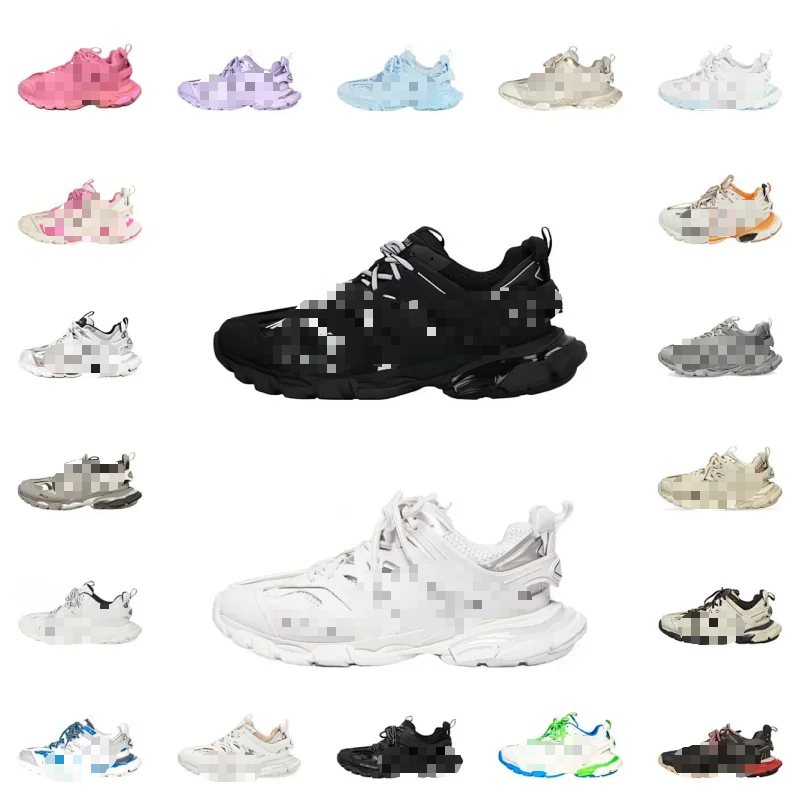
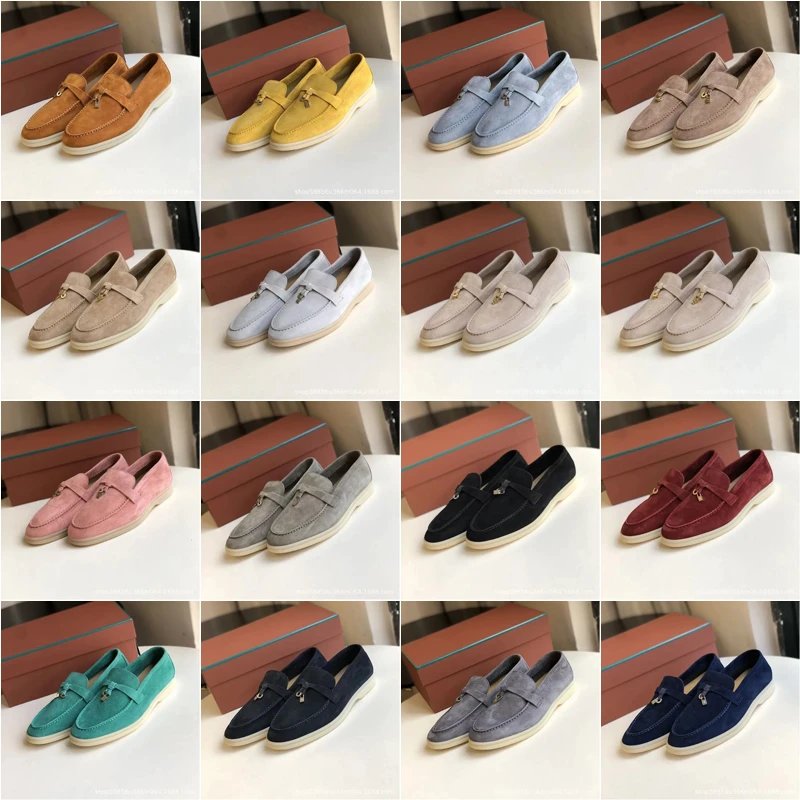
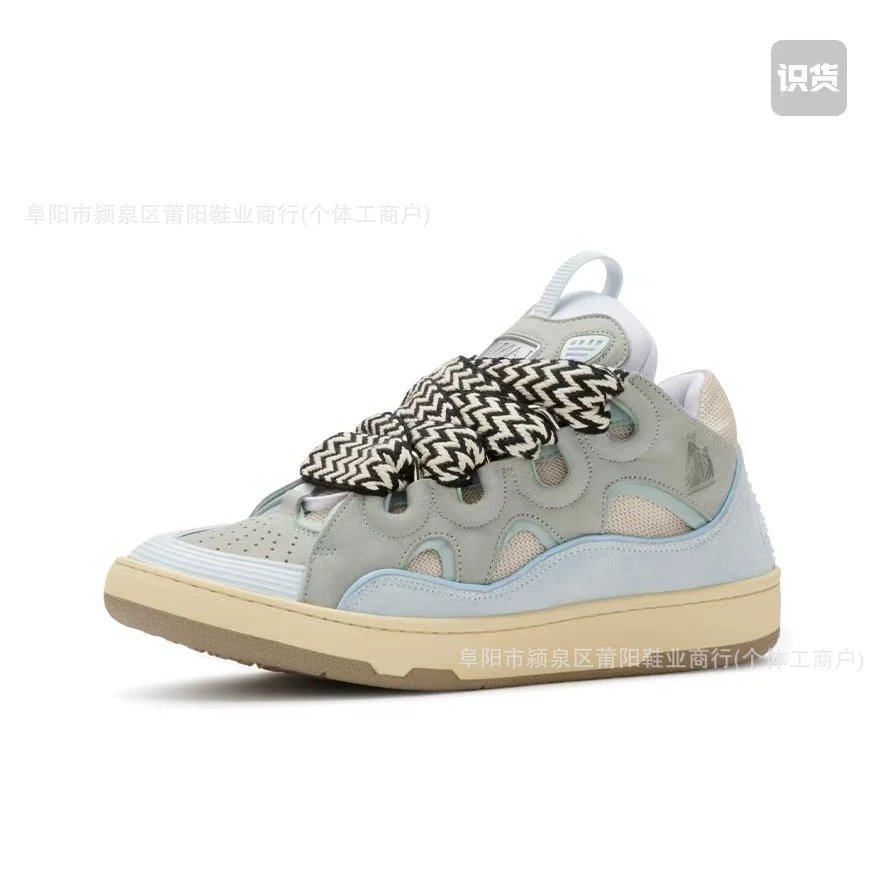
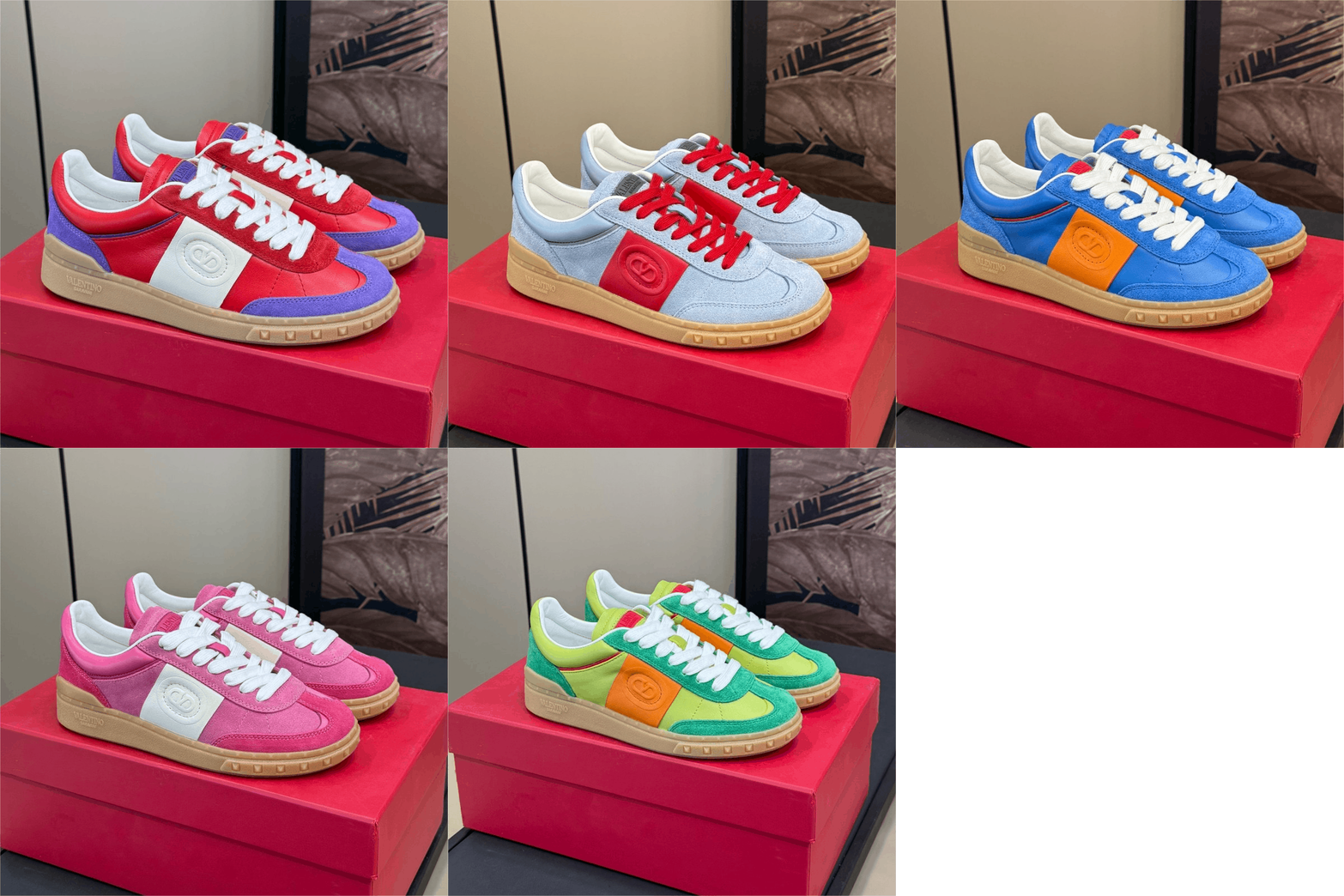
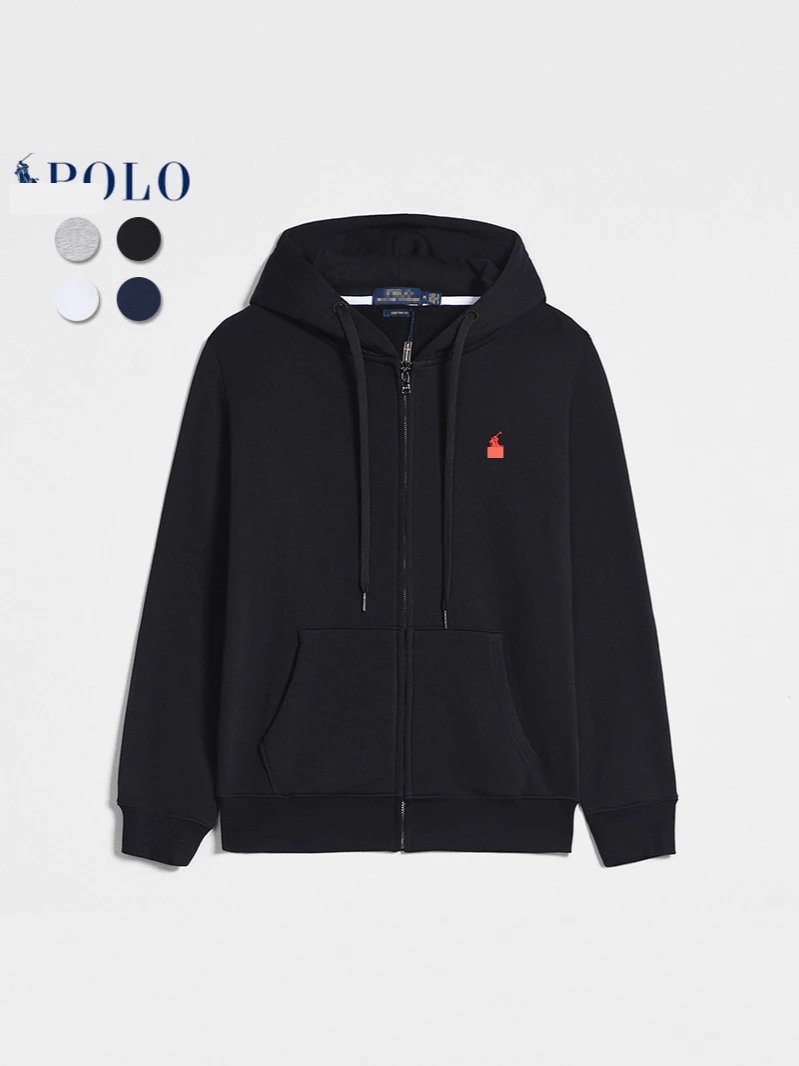
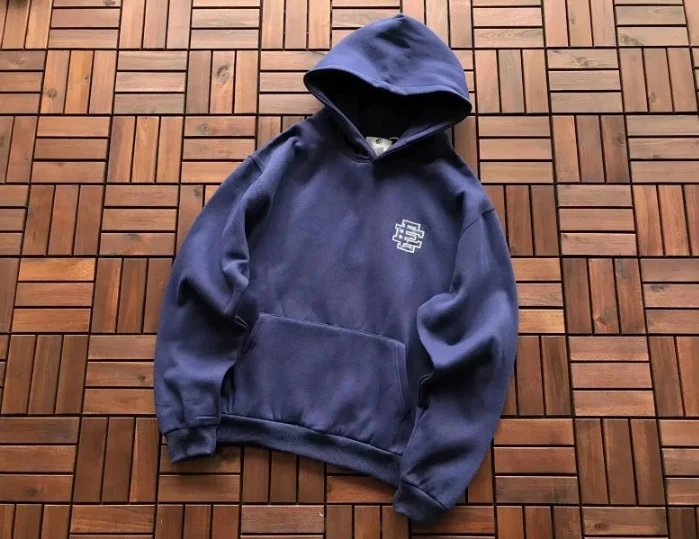
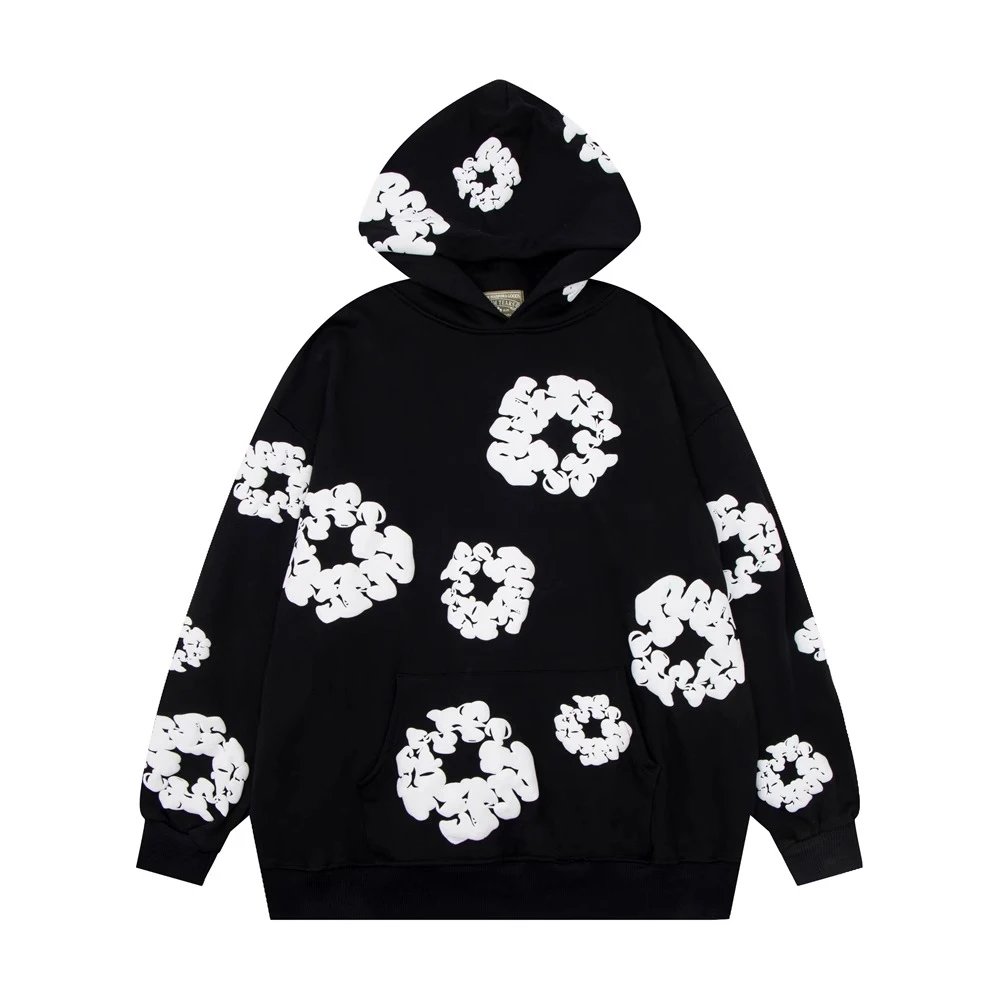
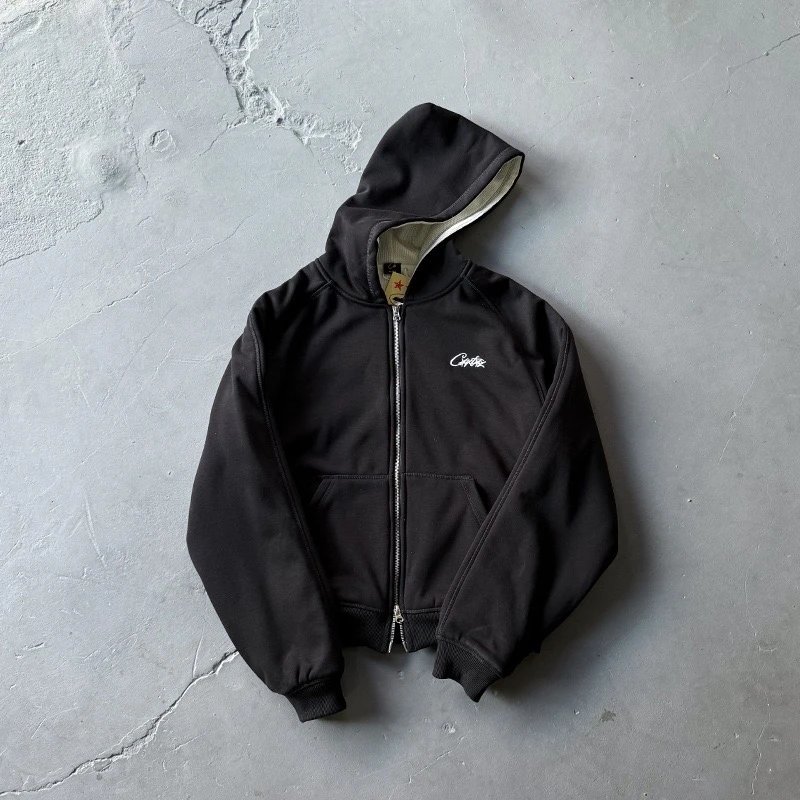
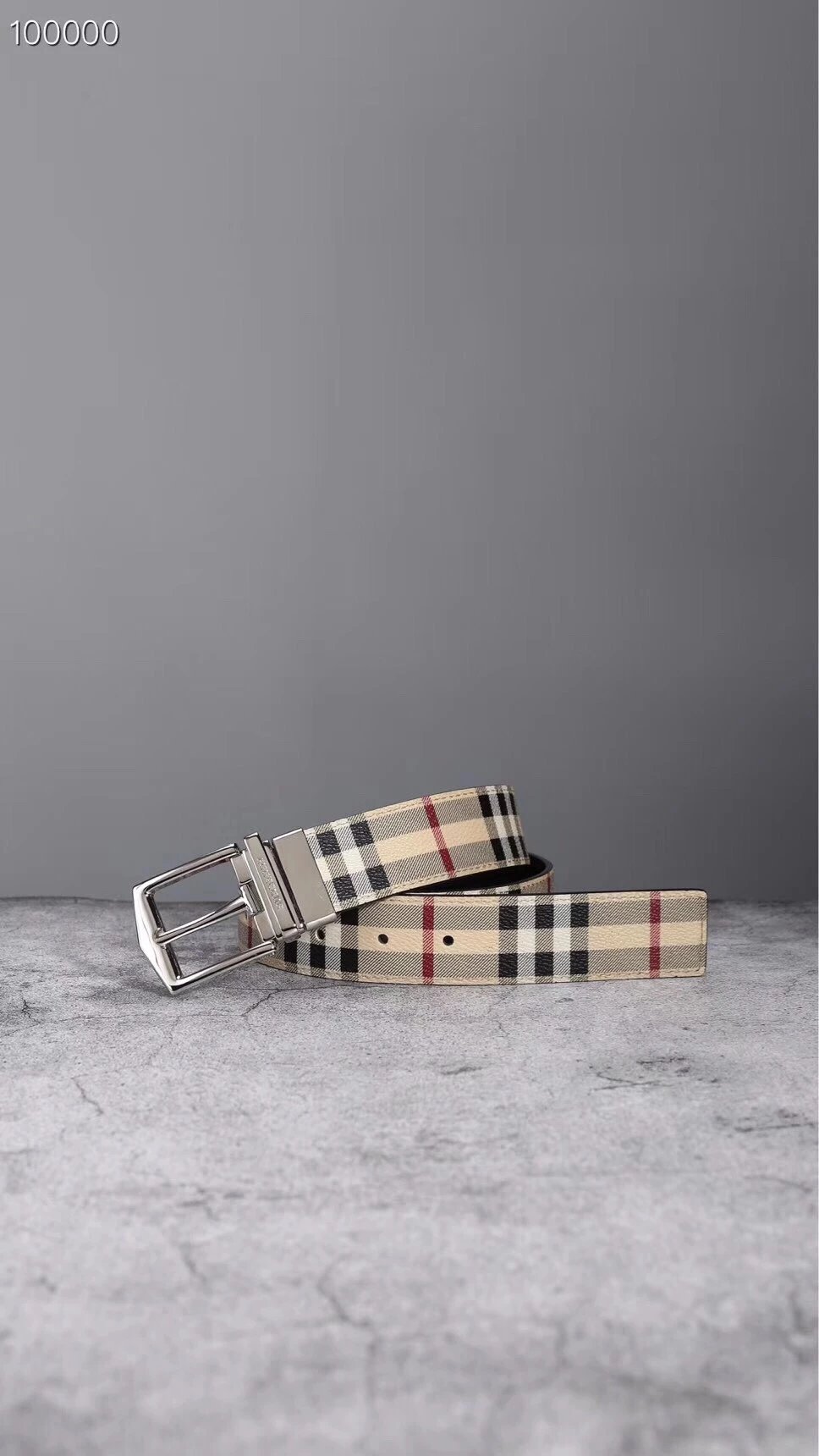
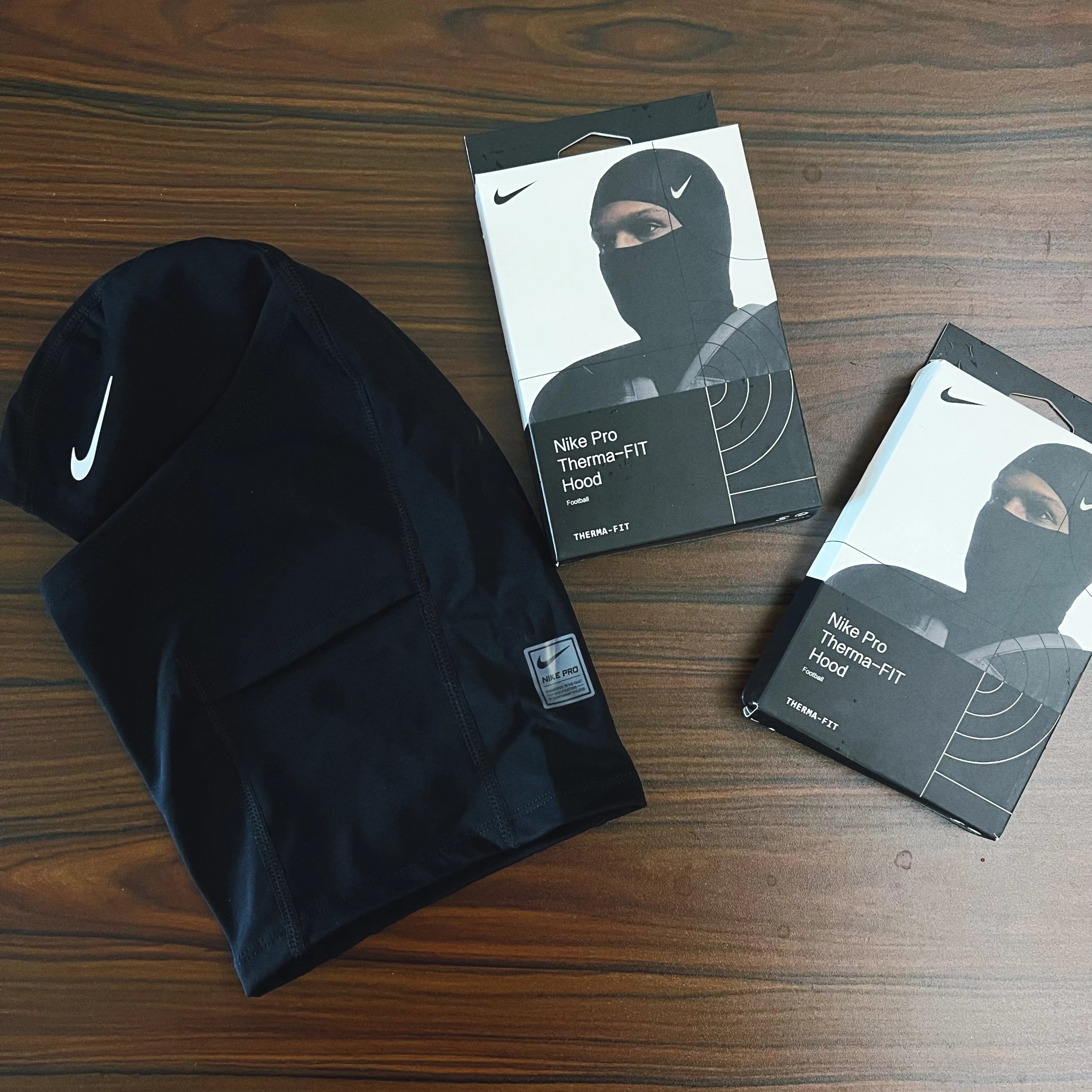
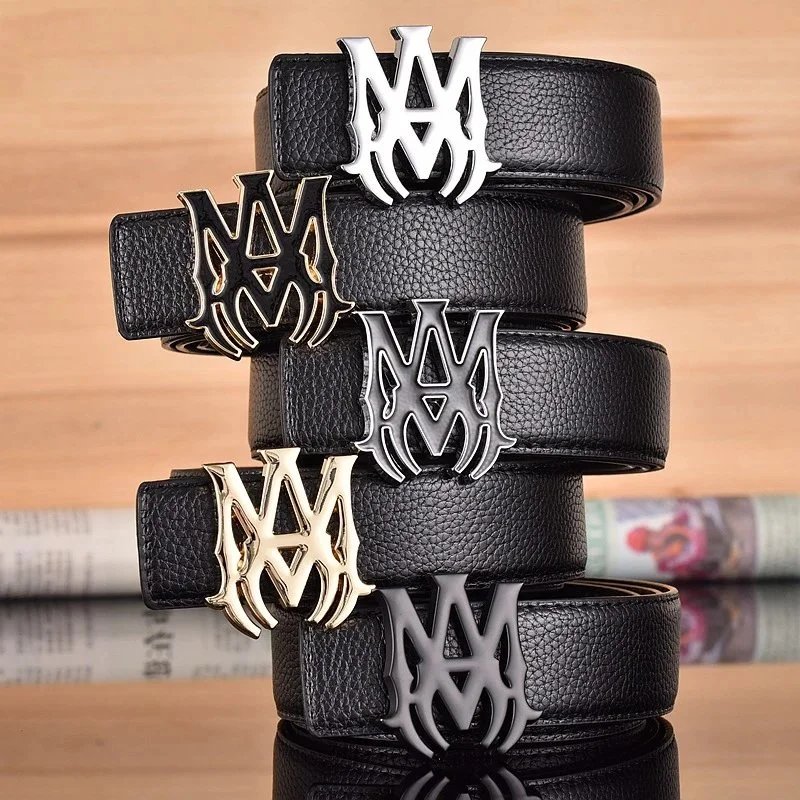
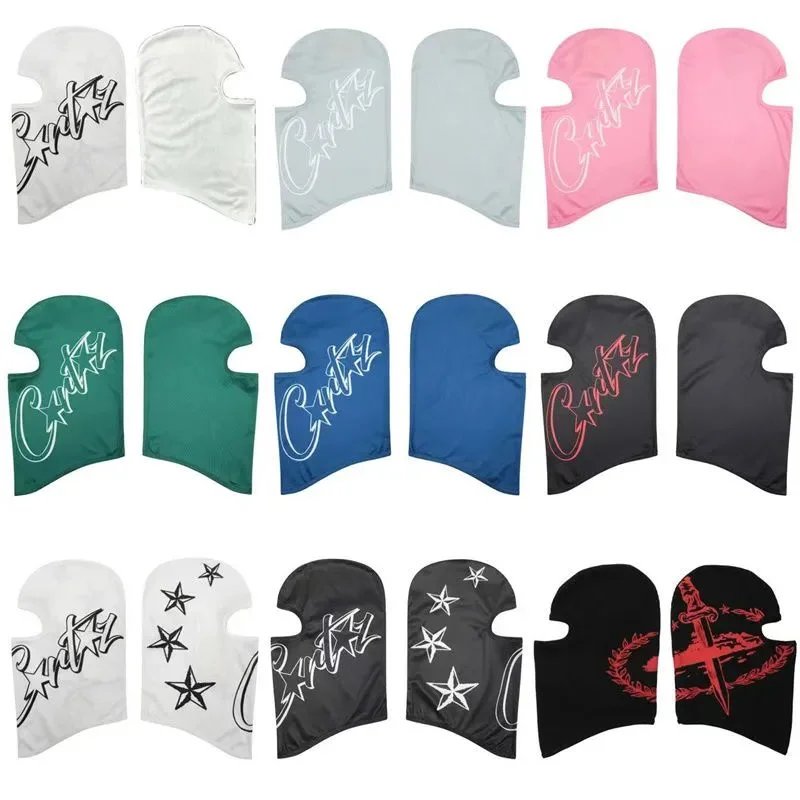
Just added to the sheet
Full spreadsheet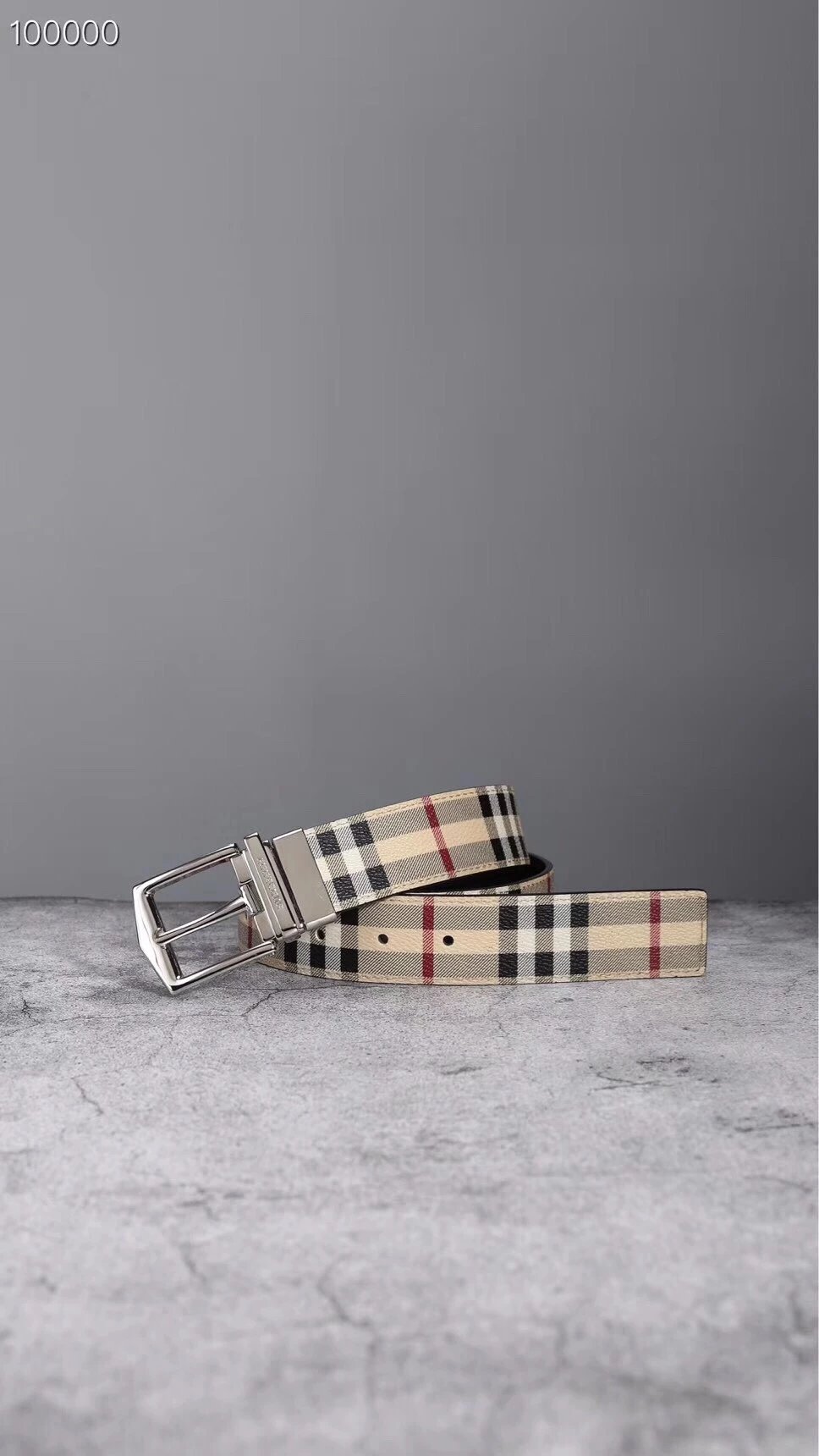
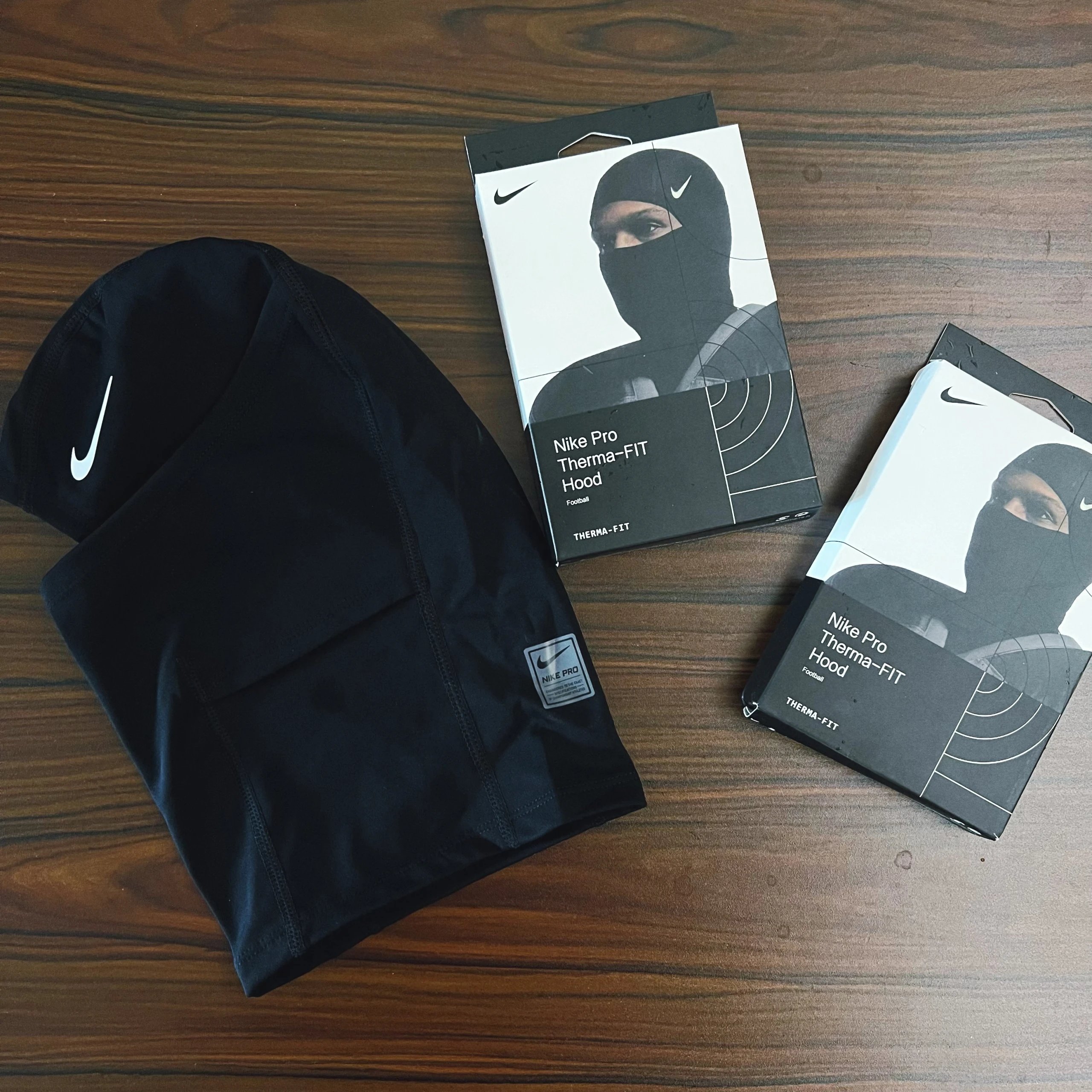
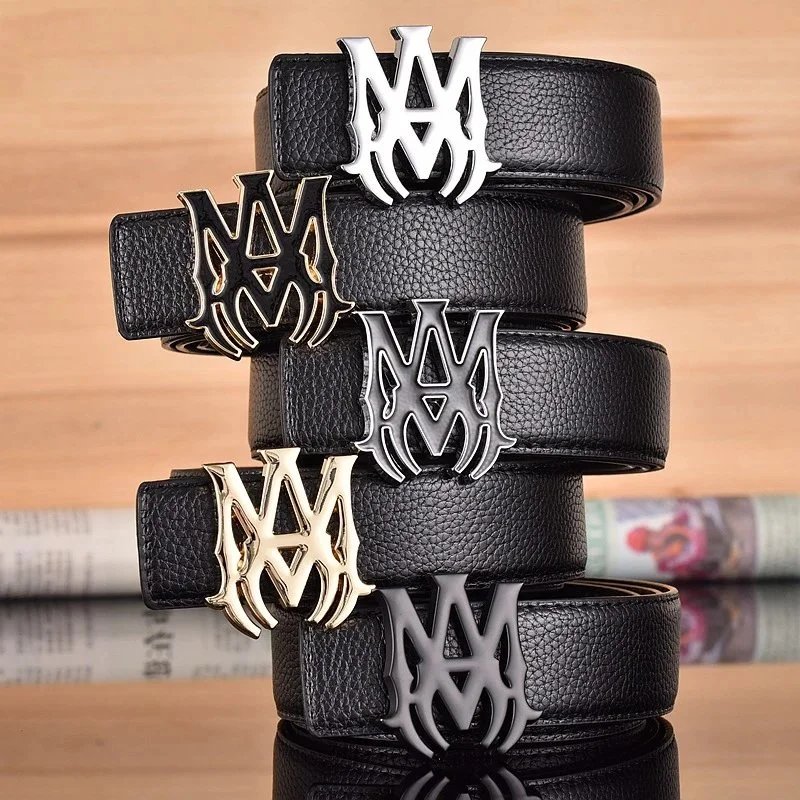
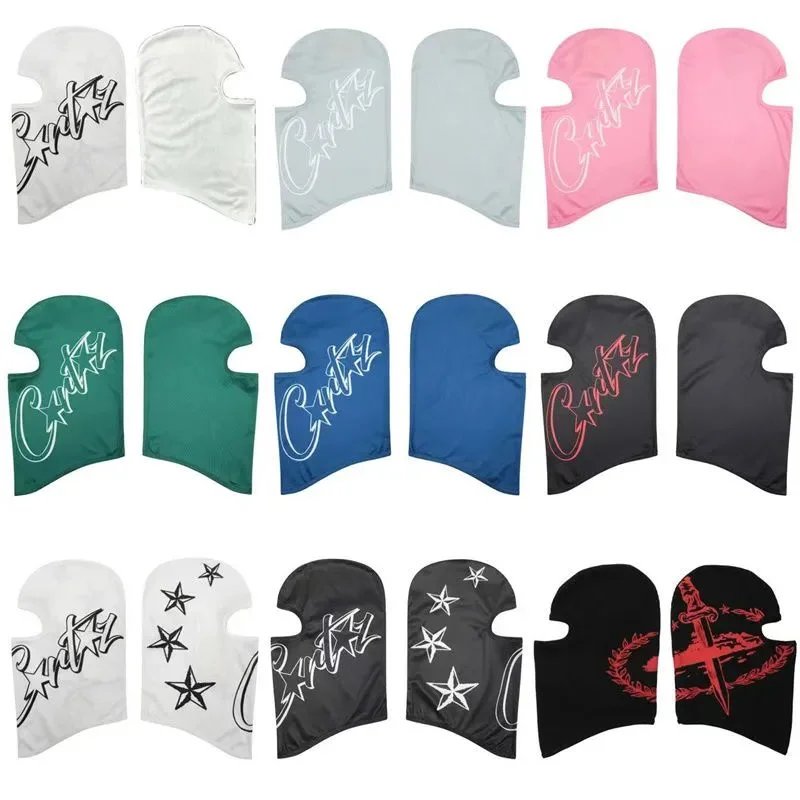
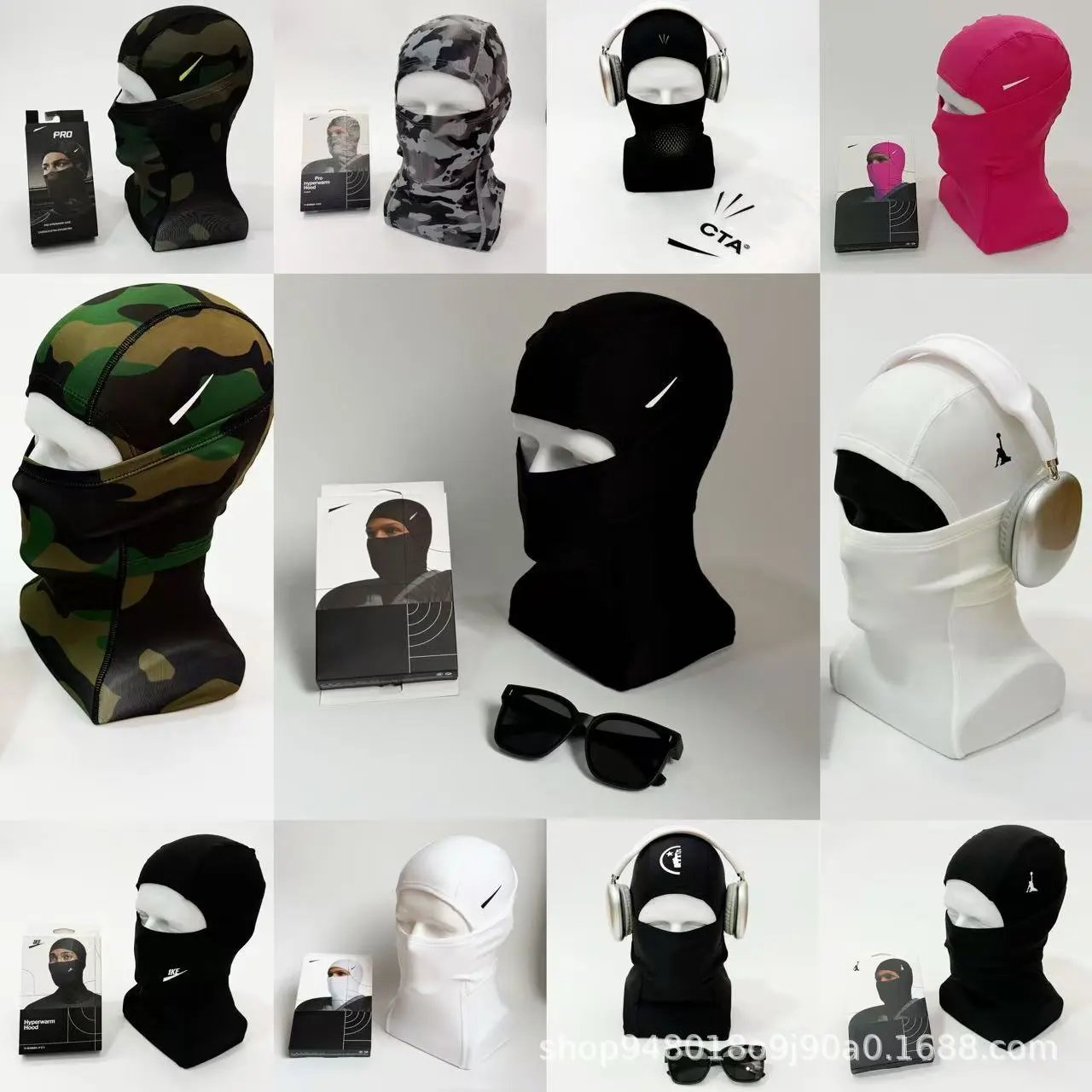
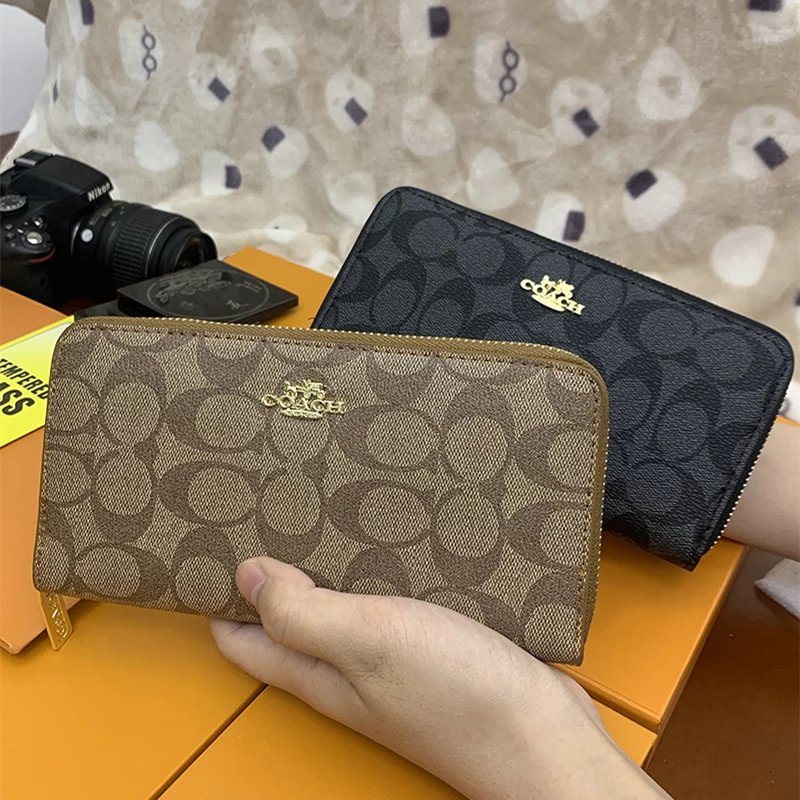
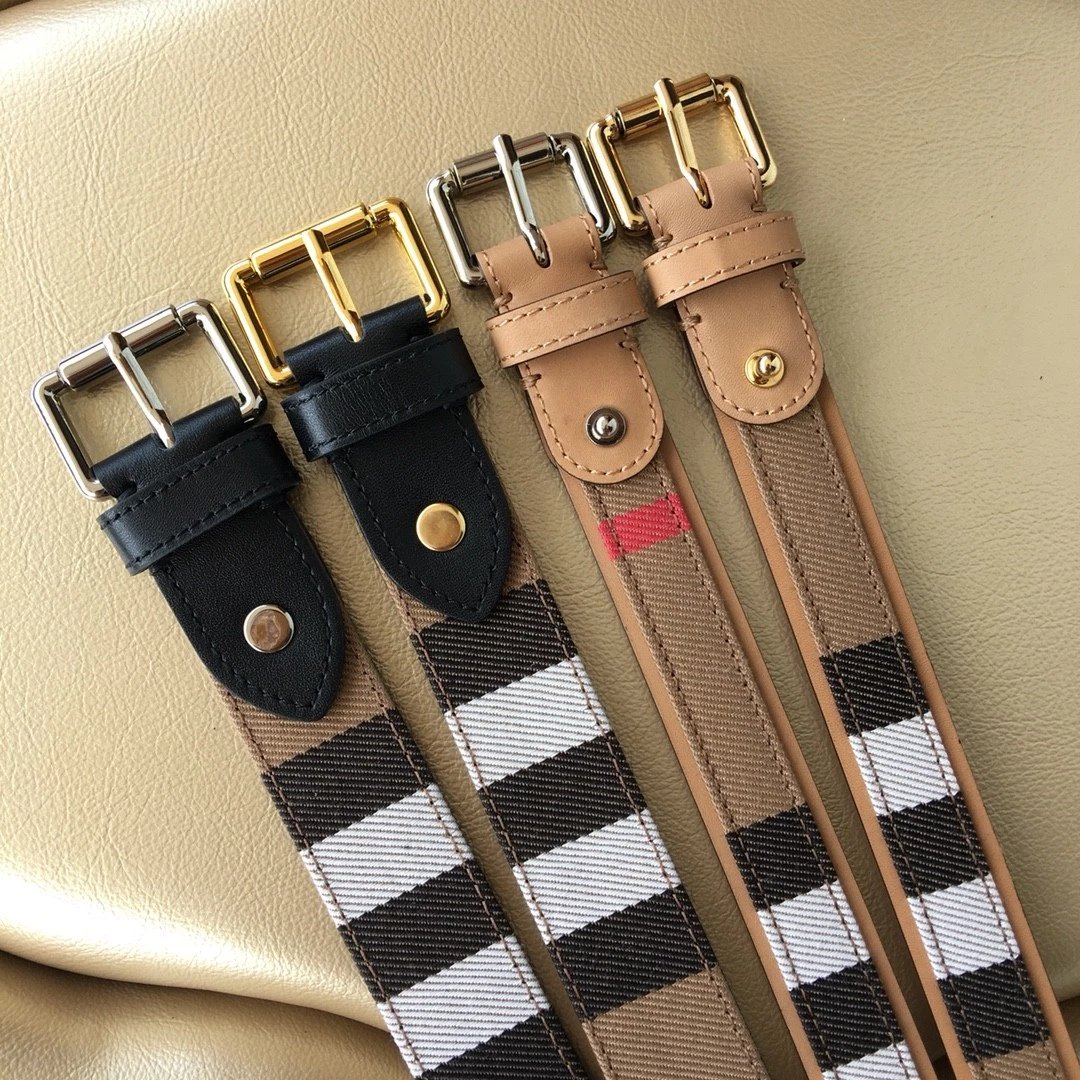
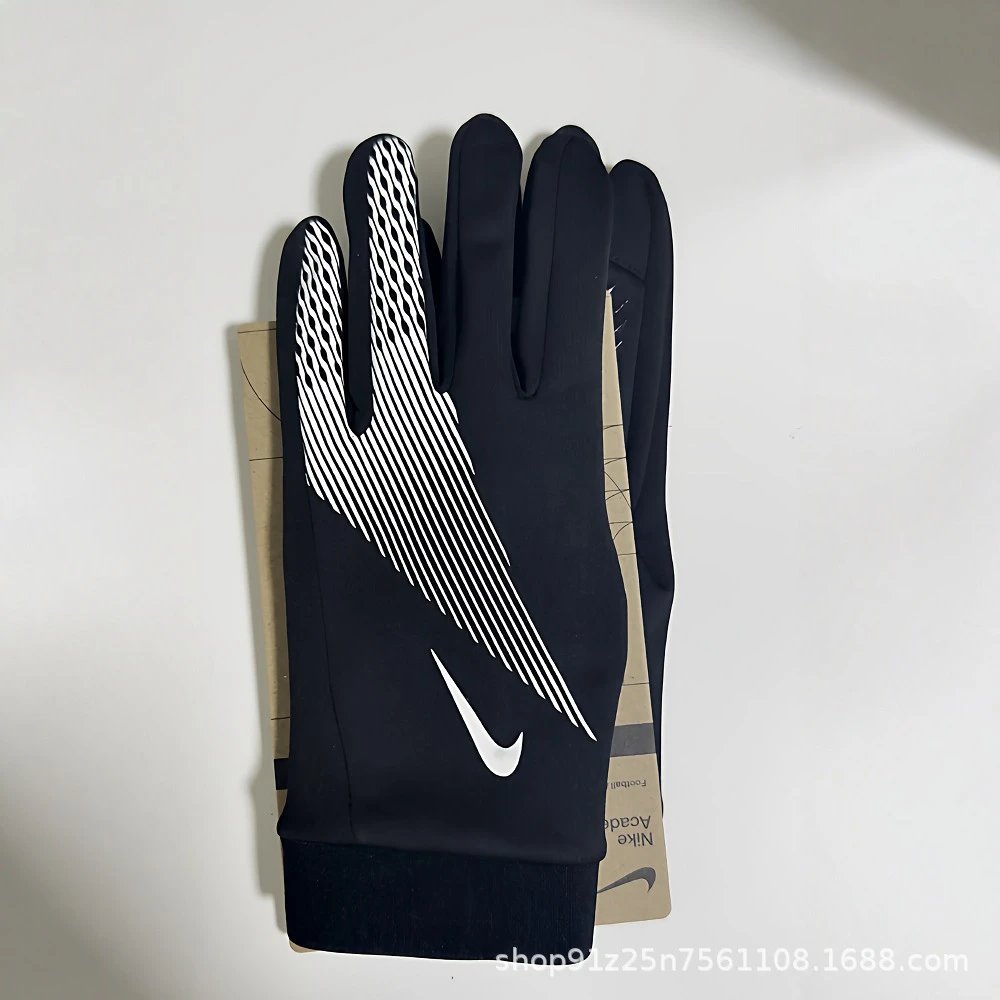
From the sheet to the find
The CSSBuy spreadsheet is a photo index of product links. Browse a category, read the name and reference price beside each image, then open a find for the complete gallery, pictured styles and available QC. Sneakers, hoodies, jackets and bags each have a focused list, so you can explore one type of item at a time.
Questions about the sheet
What is a CSSBuy spreadsheet?
A browsable collection of product links, organised around photos, names and reference prices. Each find opens a detail page with the available product gallery, pictured styles and QC photos.
How do I find a particular item?
Search its name on the homepage or Spreadsheet page. Choose a category or brand to narrow the list. If you only have a reference picture, use Image search.
Where are the sneaker, hoodie and bag lists?
The category index shows the parent categories and every smaller list. Sneakers are under Shoes, Hoodies under Tops, and Bags under Accessories.
How does the photo list work?
Each row pairs one product photo with its name and reference price. Click anywhere on the row to open the details. Use Photo grid if you prefer to scan larger images.
Can I sort the finds by price?
Choose a price order above the results. The current search, brand and category are preserved when you sort or go to another page.
Which currency will I see?
Prices start in US dollars. The currency picker in the header lets you choose another currency. Confirm the current product price and options on CSSBuy.
Does selecting a style choose an order option?
It changes the main photo to the pictured style. It is a preview; choose your final size and purchasing options on the CSSBuy product page.
Are all QC photos from CSSBuy?
No. They are available reference inspection photos for the listed item, and are not represented as photos of a new CSSBuy order. Some products have no QC images.
Can a QC photo guarantee the product I will receive?
No. Use it to inspect visible details, then review the actual photos of your own order. Existing pictures do not prove authenticity or guarantee an identical future item.
How do I search using a picture?
Upload, drop or paste a picture into Image search. Similar results appear beside the reference photo. Open a match to compare the product name and full gallery; visual similarity alone does not confirm the same item.
What does Open CSSBuy Link do?
For a supported Weidian listing, it opens CSSBuy with the matching source product ID. You can also copy the original Weidian link. Product availability and order options are confirmed on CSSBuy.
Is CSSBuy Sheetz the official CSSBuy website?
No. It is an independent product discovery site. The CSSBuy links provided here do not include a referral code. CSSBuy handles registration, account access and orders.